

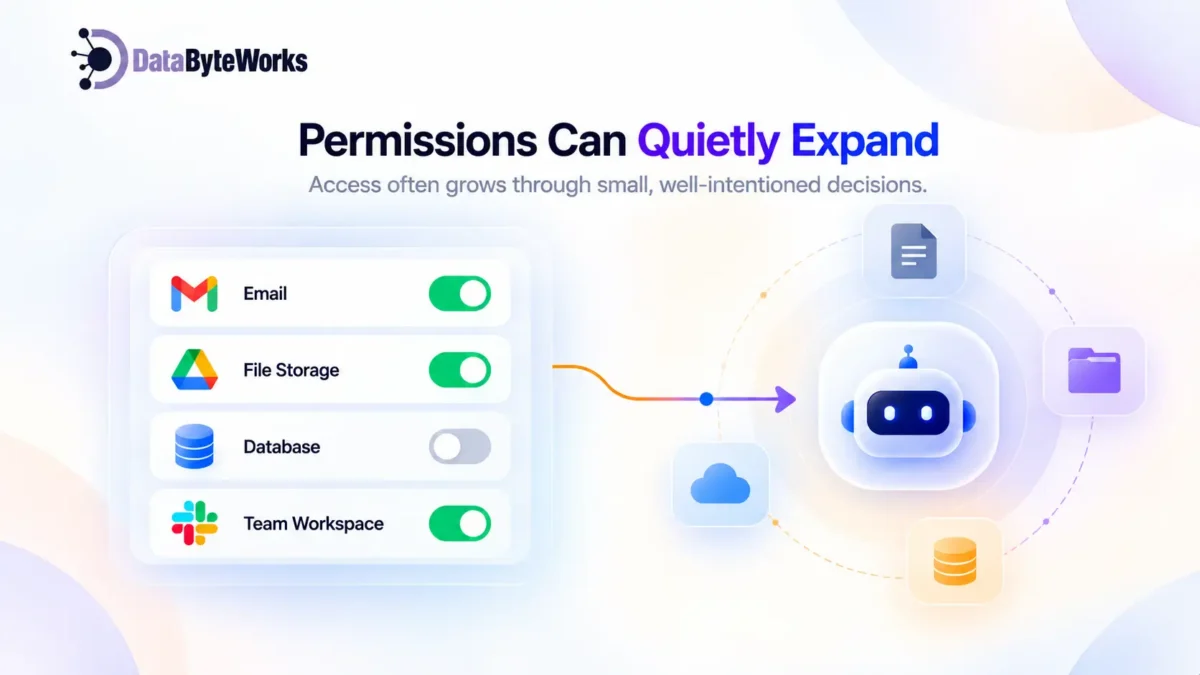
It might have started with a simple job: summarize emails, generate reports, update a CRM, or answer internal questions. Then someone connected another tool. An API was added. An OAuth permission was approved. A shared drive became available. None of those decisions may have seemed risky on their own.
Together, they can give an agent access to far more systems and data than anyone originally intended.
The real problem isn’t simply how much access your agent has. It’s whether your team can see, understand, and control that access.
This guide explains how access sprawl happens in enterprise AI agents, where the biggest risks appear, and how to keep agent access under control from day one.
What “Access” Actually Means for an AI Agent
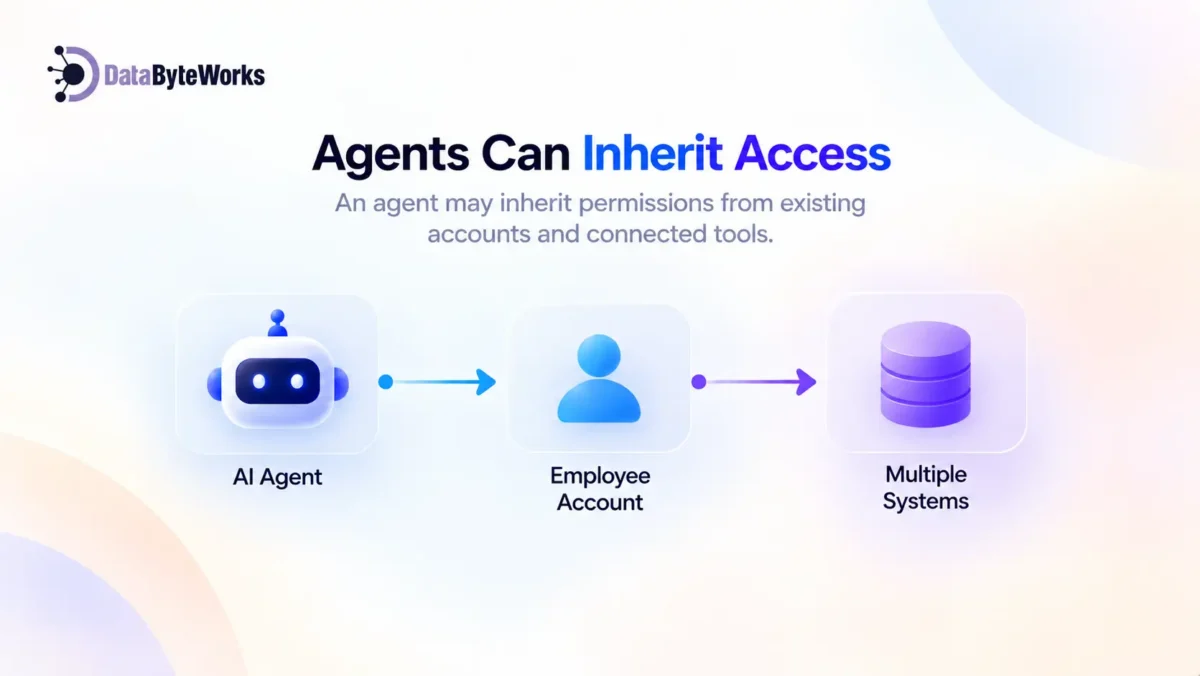
When someone asks, “What can this AI agent access?”, the answer isn’t always sitting in an integration list. Agent access usually falls into three areas.
1. Direct Integrations
These are the connections you probably already know about: APIs, plugins, connectors, and applications deliberately connected to the agent.
They’re visible, documented, and usually approved during setup. But they’re only the starting point.
2. Inherited Permissions
This is where access becomes harder to see. An agent may use an existing OAuth token, employee account, or service account instead of having its own tightly scoped credentials.
That creates a simple but important problem: The agent can inherit the access of the identity behind it.
An agent created to handle one narrow task could therefore reach systems it was never specifically designed to use.
Chained Access
This is the layer many teams overlook. An agent calls a tool. That tool connects to another system. A service then performs an action using another identity or permission set.
The result? The agent’s effective access can be much larger than the integrations your team documents.
That’s why AI agent architecture needs access mapping from day one, not after an incident.
How AI Agents Quietly Accumulate More Permission Than Intended
Nobody starts an AI project by saying, “Let’s give this agent access to everything.”
Access usually expands through small decisions that make sense at the time. The problem is that people often don’t revisit those decisions.
1. Over-Scoped API Keys and OAuth Grants
During setup, broad permissions are often faster than creating tightly scoped access.
The thinking is familiar: “We’ll restrict it later.”
But once the agent is working, changing permissions can feel disruptive. The temporary access becomes permanent access.
2. “Just in Case” Access
Someone expects the agent might need another system in the future, so they add the permission now.
The project changes. The use case changes. The permission stays.
Over time, these small exceptions can create a much larger access footprint than the original business requirement justified.
3. Tool Sprawl
As an agent takes on more responsibilities, teams add new connectors and tools.
But who records what was added, when it was added, why it was added, and whether the permission is still necessary?
Without a central inventory, AI agent permissions become increasingly difficult to understand and manage.
4. Shadow AI
This can be one of the biggest blind spots. Marketing, support, operations, or individual employees may create their own agents to solve immediate problems without involving IT or security.
IBM reported that one in five organizations studied experienced a breach linked to shadow AI, while high levels of shadow AI were associated with an average $670,000 increase in breach costs.
That makes shadow AI governance more than an IT checklist. It becomes an access-control problem.
Real-World AI Agent Security Risks
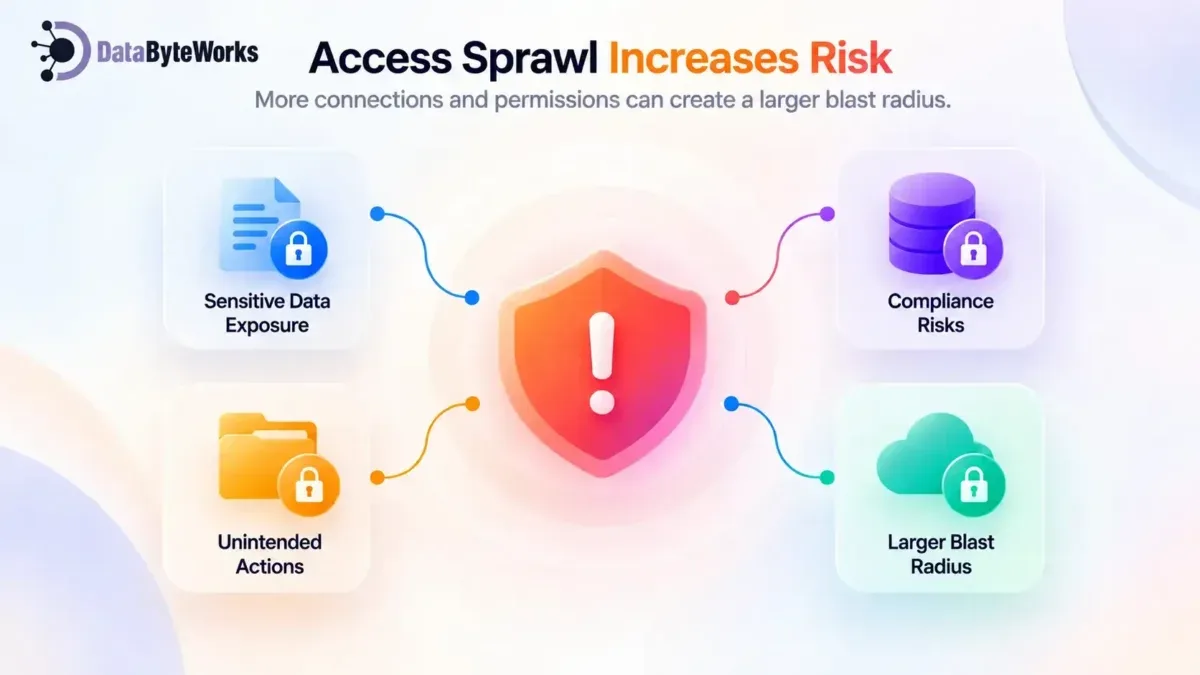
Once an agent has broader access, the consequences of a mistake or compromise can become much larger. Here are the risks security teams should examine first.
# Data Exposure Through a Compromised or Misconfigured Agent
Imagine an agent with broad read access to a shared drive. If an attacker compromises its credentials, they may gain access to everything available to that agent.
The issue isn’t simply that one credential was exposed. It’s how much that credential can reach. The wider the permissions, the larger the blast radius.
# Prompt Injection Triggering an Unintended Action
An agent reads an email, document, webpage, or other external content containing malicious instructions. Those instructions influence the agent’s behavior.
If the agent has permission to write, delete, send, purchase, or modify information, a malicious instruction can become a real-world action.
OWASP lists Prompt Injection and Excessive Agency among its 2025 Top 10 risks for LLM and GenAI applications. Its guidance highlights excessive permissions, functionality, and autonomy as important contributors to excessive agency.
This creates an important distinction: A bad answer is one problem. A bad action is another.
# Unreviewed Write Access
An agent may be authorized to “update records.” But what happens if it updates the wrong records? What if it changes the wrong fields? What if an automation repeats the mistake across hundreds or thousands of records before anyone notices?
An agent can execute mistakes at machine speed.
# Compliance Exposure
An agent may process healthcare information, financial data, customer PII, or confidential company information simply because it can reach those systems.
The security question isn’t only: “What was this agent designed to do?”
It is also: “What can this agent actually reach?”
Why Traditional Access Control Doesn’t Map Cleanly to AI Agents
This is where many organizations run into trouble.
AI agents aren’t simply employees with faster keyboards. They operate differently, interact with other systems, and can initiate actions automatically.
RBAC Was Built Around Human Users
Traditional role-based access control (RBAC) assumes a person logs in, performs work, and logs out.
Agents can operate continuously. They can trigger workflows, call tools, process information, and make decisions without a person at the screen. That changes the access-control equation.
Agents Operate at Machine Speed
A human might make one permission mistake before someone notices. An agent can repeat the same mistake across thousands of records in seconds.
That means permission boundaries need to be designed for automation, not simply copied from human-user access models.
An Audit Trail Is Not Automatic
Ask your team: “What did this agent do, and why?”
If you only have session logs, you may know that the agent was running without knowing exactly what it accessed, changed, or triggered.
That’s why you should design an AI agent audit trail into the system from the beginning.
A Practical Framework for AI Agent Access Control
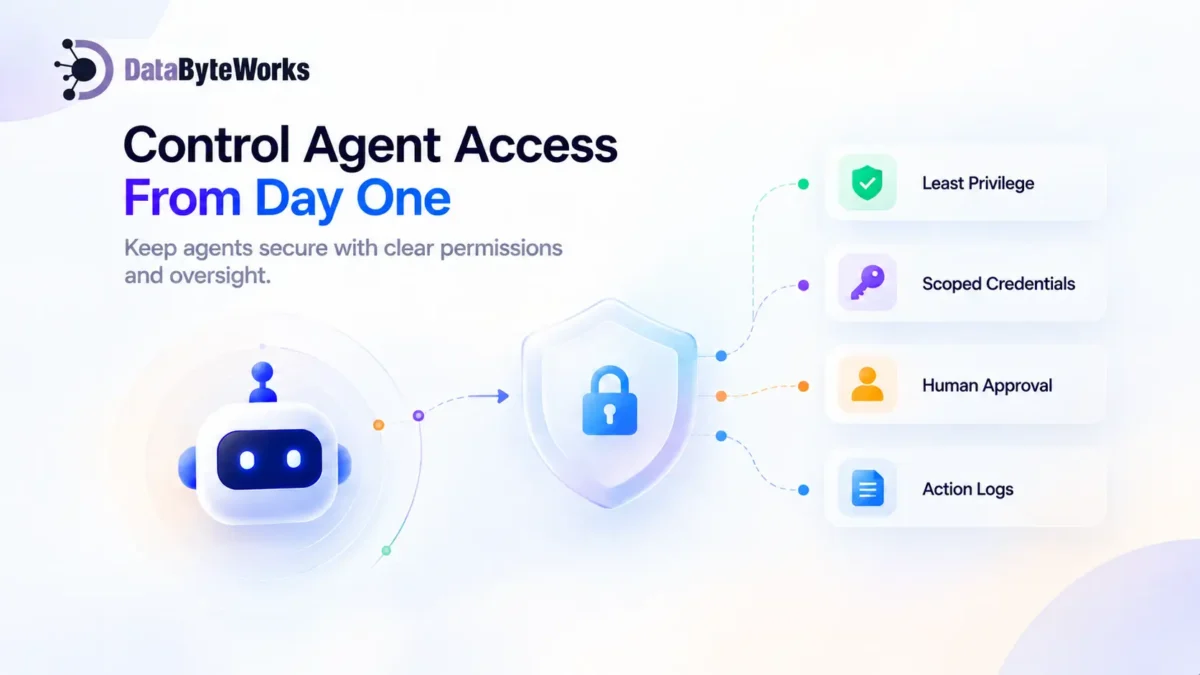
The goal isn’t complicated: Give the agent enough access to do its job and nothing more.
1. Apply Least Privilege
Every agent should receive only the permissions required for its current task. Not the permissions it might need six months from now. If its responsibilities change, its permissions can change with them.
2. Use Short-Lived, Scoped Credentials
Avoid unnecessary standing access. Short-lived credentials and tightly defined scopes can reduce the potential blast radius if an agent or credential is compromised.
3. Add Human Approval for High-Risk Actions
Not every action needs a person in the loop. But higher-impact actions may justify a human checkpoint, including:
- Sending external emails
- Deleting records
- Making purchases
- Changing production data
- Sharing sensitive information
The objective isn’t to slow down every workflow. It’s to place human judgment where the consequences are significant.
4. Log Every Important Action
Don’t only record that an agent ran. Record:
- What it accessed
- What it changed
- Which tool it called
- When it happened
- Which identity performed the action
- Whether human approval was required
Good logging should help answer not only “What happened?” but also “Why did it happen?”
5. Review Permissions Regularly
Agent access should be reviewed like employee access. Do it on a defined schedule and whenever a new integration, tool, credential, or use case is introduced.
A permission that was appropriate six months ago may no longer be necessary today.
Questions to Ask Before Expanding Your AI Agent’s Access
Before approving another connector or permission, stop and ask:
- What data can the agent read?
- What can it write, modify, or delete?
- Can it call other tools or agents without human approval?
- Who reviews its action logs?
- How often are those logs reviewed?
- What happens if its credentials are compromised?
- What is the agent’s actual blast radius?
- Does its current access match what it needs today, rather than what it might need someday?
These questions are simple, but they expose gaps quickly. If your team can’t answer them confidently, the agent may already have more access than you realize.
Build AI Agents With Access Control From Day One
AI agent security shouldn’t become a cleanup project after deployment. It belongs in the architecture from the beginning.
At DataByteWorks, our AI Agent Development approach focuses on scoped permissions, audit logging, human approval points, and clear system boundaries from the start. That approach also extends to the systems surrounding the agent.
Enterprise system integration defines what the agent can and cannot reach. Cloud architecture and access strategy help control identities, credentials, and permissions at the infrastructure level.
CI/CD and deployment automation help ensure permission changes are reviewed, tracked, and versioned rather than changed manually without visibility.
The objective isn’t to prevent agents from doing useful work. It’s to make sure they can do only the work they’re supposed to do.