


Photo Editor Memes

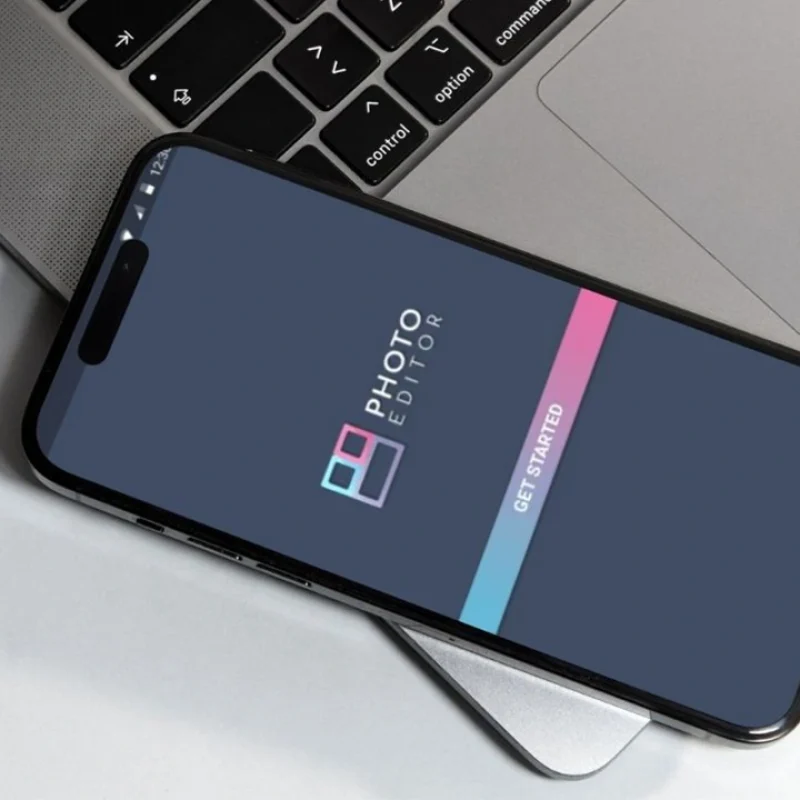
Photo Editor Pro is a user-friendly app for creating and enhancing images with templates, text, emojis, and stickers. It offers powerful editing tools like blur, brightness, and color effects to improve visual appeal. With simple controls and fast performance, it enables quick and creative photo editing.

Industry

Photo Editing & Visual Content Creation

Android Studio
Kotlin Kotlin
Retrofit

Project Overview

Photo Editor Pro is a versatile and user-friendly photo editing application designed to enhance creativity and simplify image customization. It offers a range of powerful editing tools along with 15 ready-to-use templates for creating engaging memes and social media content.

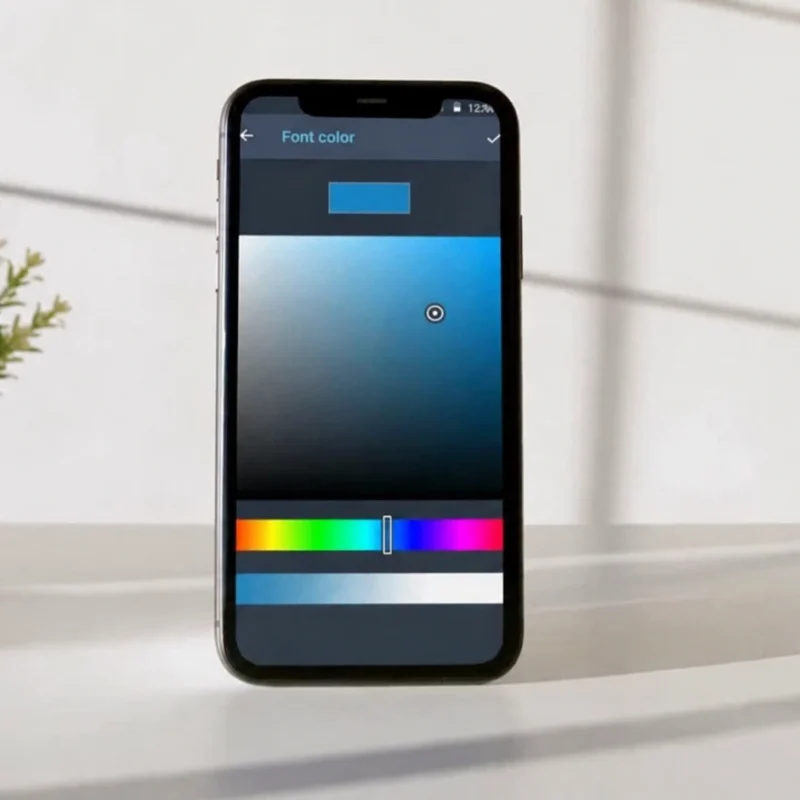
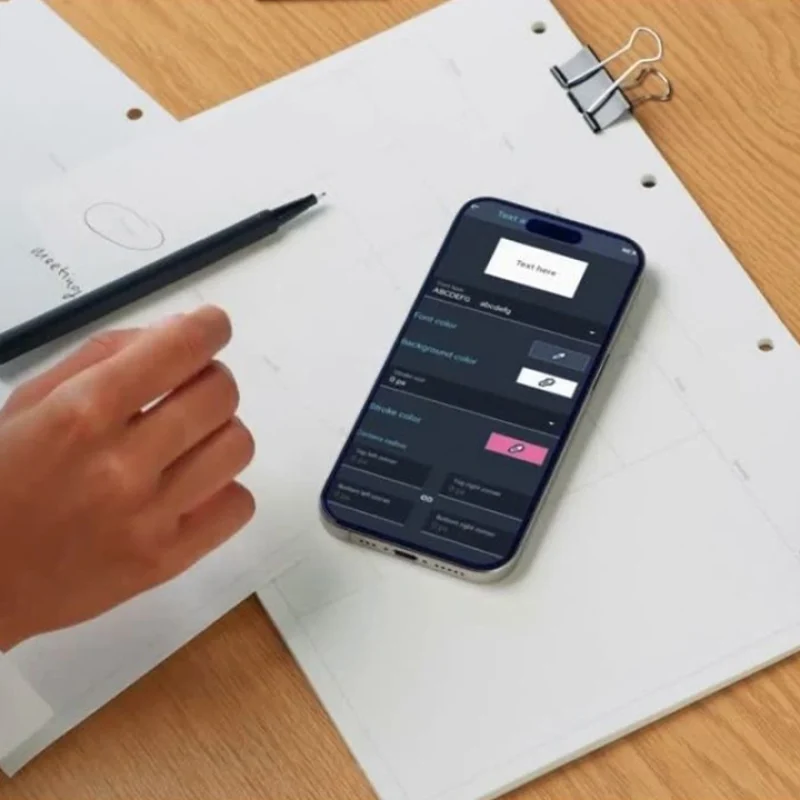
Users can personalize images with custom text, emojis, and stickers, while advanced editing features like blur, brightness adjustment, and color effects help transform photos into visually appealing creations. The app combines simplicity with functionality, making it suitable for both casual and creative users.

Our Approach​

We focused on creating a simple yet powerful photo editing experience for all users.

  • User-Friendly Interface – Designed intuitive controls for effortless editing.
    Ensures ease of use for beginners and experienced users alike.
  • Creative Flexibility – Provided templates, text tools, and stickers.
    Enables users to create unique and engaging visual content.
  • Feature-Rich Editing – Integrated essential tools like blur and color effects.
    Enhances image quality and creativity.
  • Performance Optimization – Ensured smooth and fast editing experience.
    Delivers reliable performance across devices.

How It Works

The app allows users to edit and enhance images with simple steps and powerful tools.

  • Select or Capture Image: Users choose an image from a gallery or camera. Provides a starting point for editing.
  • Apply Templates & Effects: Use pre-built templates and editing tools. Enhances creativity and visual appeal.
  • Customize Content: Add text, emojis, and stickers. Personalizes the image based on user preferences.
  • Save & Share: Export edited images instantly. Enables easy sharing across social platforms.

The Challenges

Balancing simplicity with advanced features while maintaining performance was key.

  • Ease of Use vs Features Keeping the app simple yet powerful. Required careful UI/UX design decisions.
  • Real-Time Editing Ensuring instant preview of effects.Needed optimized rendering performance.
  • Content Customization Allowing flexible text and sticker placement. Required dynamic design handling.
  • Performance Management Handling multiple editing tools efficiently.Ensured minimal lag during usage.

The Solutions

We implemented smart and efficient solutions to enhance usability and performance.

  • Simplified UI DesignStreamlined interface for quick access to tools.Improves overall user experience.
  • Optimized Rendering EngineEnabled real-time effect previews.Ensures smooth editing without delays.
  • Dynamic Customization ToolsFlexible text, emoji, and sticker features. Allows creative freedom for users.
  • Efficient ProcessingReduced load times and improved responsiveness. Enhances performance across devices.

Security & Compliance Built into Every AI Integration

Every AI implementation is designed with enterprise security, data privacy, and regulatory compliance at its foundation. We implement secure integrations, enforce governance policies, protect sensitive data, and follow industry best practices to help your AI solutions remain reliable, compliant, and scalable.